
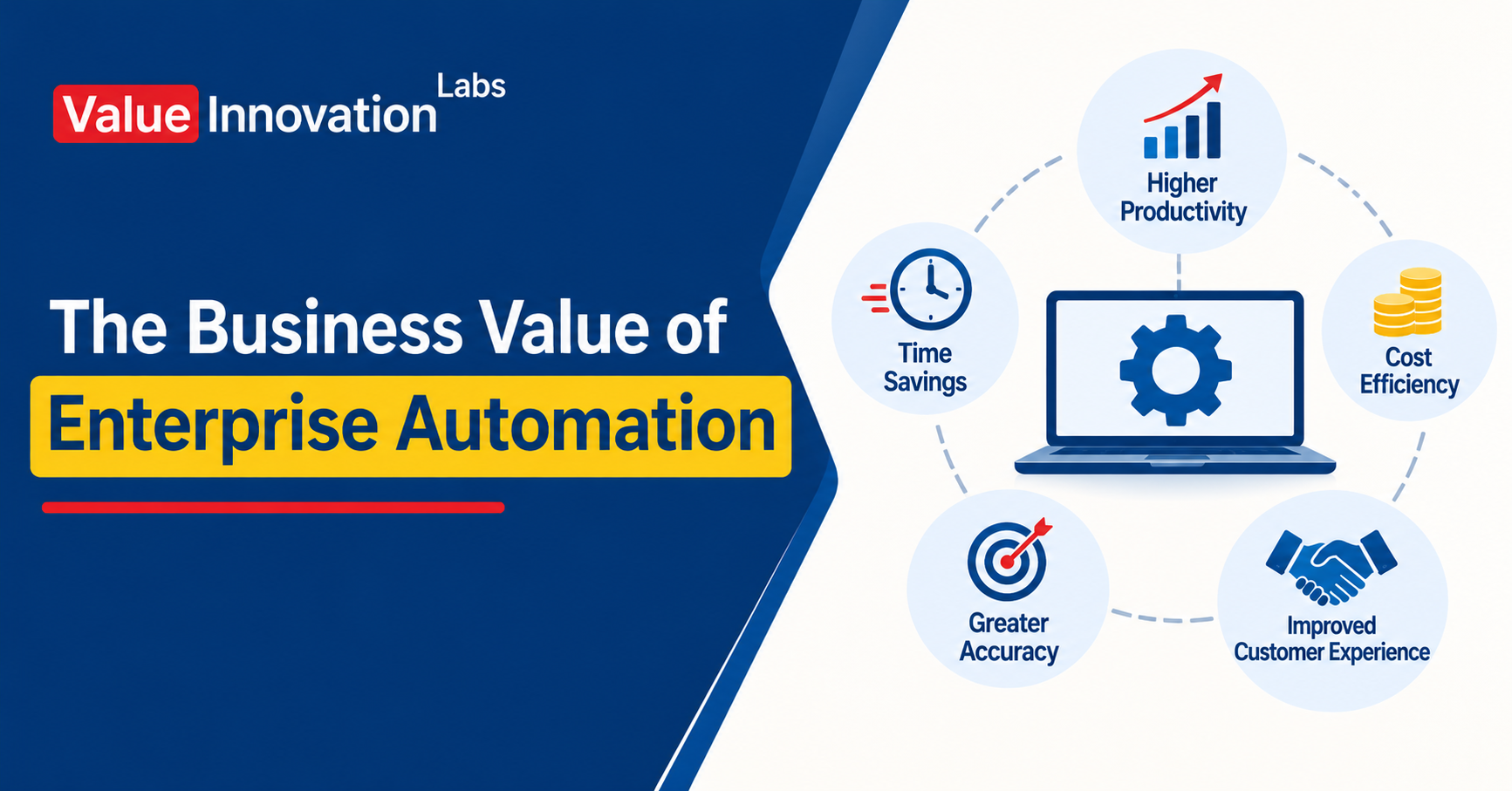
The Business Value of Enterprise Automation
The Business Value of Enterprise Automation
Every business has tasks that nobody enjoys and everybody depends on. Approving purchase requests. Sending payment reminders. Updating stock sheets. Preparing the same weekly report. These jobs are necessary, but they eat time that could go toward customers, planning, and growth.
Enterprise automation hands this routine work to software. In this guide, you’ll learn the real business value of enterprise automation, where the returns come from, how to measure them, and how to start without overcomplicating things.
What Is Enterprise Automation?
Quick answer: Enterprise automation is the use of software, such as workflow tools, robotic process automation (RPA), and AI, to perform repetitive, rule-based business tasks automatically, so people can focus on work that needs judgment and creativity.
It covers a wide range. A simple rule that routes invoices for approval is automation. So is a software bot that copies data between systems, or an AI tool that sorts incoming support tickets. What they share is that a process runs with little or no manual effort once it is set up.
Automation is not about replacing people. It is about removing the parts of work that machines do faster and more accurately.
Why Manual Processes Cost More Than You Think
Time That Never Shows on a Budget
Nobody sends a bill for “ten minutes of copying data.” But across a team and a year, small manual tasks add up to a large amount of paid time that produces no new value.
Errors That Travel Far
A typing mistake in an invoice or a missed update in a stock sheet can lead to refunds, delays, and unhappy customers. The cost of fixing a mistake is usually much higher than the cost of preventing it.
Slow Processes Frustrate Customers
Waiting days for a quote, approval, or refund wears down trust. Customers rarely care why it is slow. They only notice that it is.
Tired Teams and Higher Turnover
Skilled people don’t enjoy repetitive work. When talented staff spend their days on routine tasks, engagement and retention can suffer.
The Business Value of Enterprise Automation: Six Core Benefits
1. Lower Operating Costs
Automation reduces the hours spent on repetitive work, which lets teams handle more volume without adding headcount at the same rate. Savings also come from fewer errors, less rework, and lower processing costs per transaction.
2. Faster Processes
An approval that took two days can take two hours when it routes automatically and sends reminders. Faster order processing, onboarding, and invoicing improve both cash flow and customer experience.
3. Higher Accuracy and Consistency
Automated steps follow the same rules every time. This reduces human error and makes results more predictable, which is especially valuable in finance, compliance, and quality control.
4. Better Use of Your People
When routine tasks are handled automatically, employees can spend more time on customer conversations, analysis, problem-solving, and improvement ideas. This is where human skills create the most value.
5. Stronger Compliance and Audit Trails
Automated workflows record who did what and when. That makes it easier to follow approval rules, meet regulatory requirements, and answer audit questions with confidence.
6. Scalability Without Chaos
A manual process that works for 50 orders a day often breaks at 500. Automated processes handle growth more smoothly, so you can expand without constantly rebuilding your operations.
Where Enterprise Automation Delivers the Most Value
- Finance: Invoice processing, payment reminders, expense approvals, and reconciliation
- HR: Employee onboarding, leave requests, attendance, and payroll inputs
- Sales: Lead routing, follow-up reminders, quote generation, and contract approvals
- Customer service: Ticket sorting, automatic acknowledgements, and status updates
- Operations and supply chain: Stock alerts, purchase orders, delivery tracking, and scheduling
- IT: Access requests, password resets, and system monitoring
Real-World Examples
These are typical scenarios rather than case studies of named companies, but they reflect what many organizations experience.
- A wholesale distributor: Invoices were typed in by hand from purchase orders. Automating data capture and matching cut processing time and reduced payment disputes.
- A growing HR team: New-hire paperwork moved through email. A workflow tool sent each department its tasks automatically, so new employees had accounts and equipment ready on day one.
- A service company: Support requests arrived through several channels. Automated routing assigned each ticket to the right team and sent instant acknowledgements, so customers stopped chasing for updates.
- A retail business: Stock levels triggered automatic reorder suggestions, which reduced stockouts on popular items.
In every case, automation didn’t remove the need for people. It removed the waiting and the repetition.
How to Measure the ROI of Automation
Leaders reasonably want proof. Record a baseline before you start, then track a few simple measures.
- Time per task: How long a process takes from start to finish
- Cost per transaction: What it costs to process one invoice, order, or request
- Error rate: How often work needs correction
- Cycle time: How quickly requests move from submission to completion
- Employee hours freed: Time redirected to higher-value work
- Customer satisfaction: Response speed and complaint volume
A simple ROI view compares total savings and benefits against the cost of software, setup, training, and support over a set period, such as 12 months. Be realistic and include ongoing costs.
Which Processes Should You Automate First?
Not every process is a good starting point. Look for tasks that are:
- Repetitive: done the same way many times
- Rule-based: clear steps and decisions, with few exceptions
- High-volume: frequent enough that savings add up
- Error-prone: where mistakes are costly
- Stable: not changing every month
Invoice processing, approvals, data entry between systems, and routine reporting usually meet these criteria. Highly creative or judgment-heavy work is better left to people, possibly supported by automation.
A Step-by-Step Approach to Getting Started
Step 1: Map the Process As It Really Works
Write down each step, who does it, and where delays happen. Include the workarounds, because they show where the system is failing.
Step 2: Simplify Before You Automate
Remove unnecessary steps first. Automating a messy process only makes the mess run faster.
Step 3: Choose One High-Impact Process
A visible early win builds trust and makes the next project easier to approve.
Step 4: Select the Right Tool
Options include workflow features inside your ERP or CRM, dedicated automation platforms, RPA tools, or custom software. Choose based on your process, your existing systems, and your team’s skills.
Step 5: Pilot, Measure, and Improve
Test with a small group, compare results against your baseline, and adjust before expanding.
Step 6: Train Your Team and Communicate Clearly
Explain what is being automated and why. When people understand that the goal is to remove tedious tasks, not jobs, they are far more likely to support the change.
Common Mistakes to Avoid
- Automating a broken process. Fix the process first.
- Starting too big. Large, all-at-once projects carry more risk. Begin with one process.
- Ignoring exceptions. Plan what happens when a case doesn’t fit the rules.
- Forgetting security. Automated systems often touch sensitive data, so use access controls and regular reviews.
- Neglecting maintenance. Automations need updates when processes, systems, or rules change.
- Skipping measurement. Without numbers, you can’t show value or find improvements.
Frequently Asked Questions
What is the business value of enterprise automation?
Enterprise automation lowers costs, speeds up processes, reduces errors, improves compliance, and frees employees for higher-value work, which together support growth and better customer service.
What processes are best to automate first?
Start with repetitive, rule-based, high-volume tasks such as invoice processing, approval workflows, data entry between systems, and routine reporting.
Is enterprise automation only for large companies?
No. Small and mid-sized businesses can start with affordable cloud workflow tools, automate one process, and expand gradually as they see results.
Conclusion
The business value of enterprise automation comes from doing routine work faster, more accurately, and at lower cost, so your people can focus on what matters most. To keep learning, read our guides on how to build a career in business process automation and the top automation and AI skills employers want, and for background reading, see this overview of business process automation on Wikipedia.
The Business Value of Enterprise Automation Every business has tasks that nobody enjoys and everybody depends on. Approving purchase requests.…