
How ERP Improves Visibility Across Business Functions
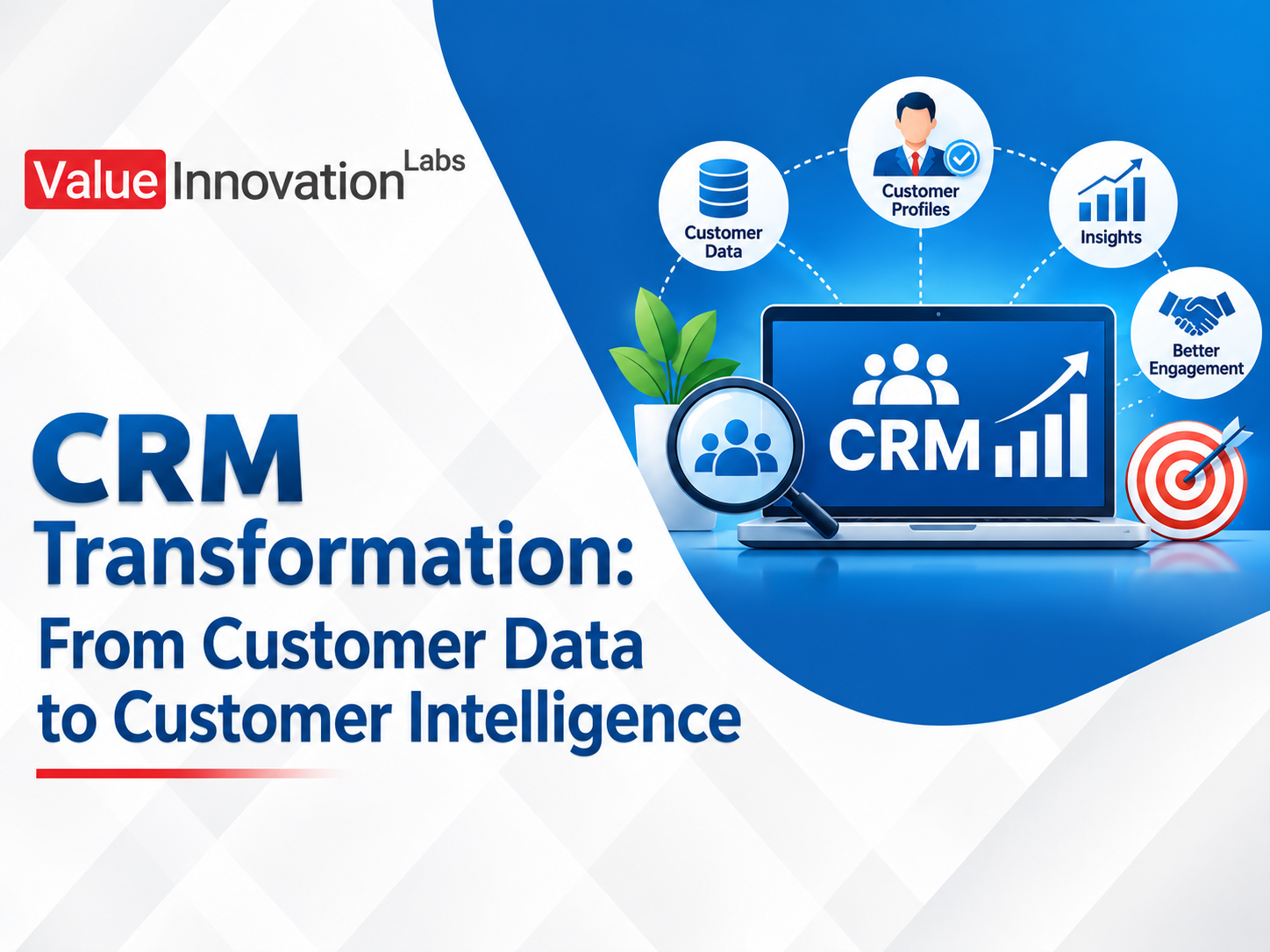
CRM Transformation: From Customer Data to Customer Intelligence
Most businesses already have a lot of customer data. Names, phone numbers, past orders, email threads, support tickets. The problem is that having data and knowing what to do with it are two different things.
A salesperson still calls a customer who just complained to support. Marketing sends a discount to someone who bought yesterday at full price. In this guide, you’ll learn what CRM transformation really means, how customer data becomes customer intelligence, and the practical steps to make that shift in your own business.
What Is CRM Transformation?
Quick answer: CRM transformation is the process of upgrading how a business collects, connects, and uses customer information, so a basic contact database becomes a system that guides sales, service, and marketing decisions.
It isn’t only about buying new software. It covers your processes, your data quality, your team habits, and the tools that tie them together. The goal is simple: know your customers well enough to serve them better than anyone else.
Customer Data vs Customer Intelligence
Quick answer: Customer data is the raw information you store about customers. Customer intelligence is the insight you get when that data is organized, connected, and analyzed to explain behavior and predict needs.
Here is an easy way to see the difference.
- Data says: “Priya bought a printer in March.”
- Intelligence says: “Priya buys ink every four months, usually responds to email offers, and is due for a refill next week.”
Data is a record of the past. Intelligence helps you decide what to do next. CRM transformation is the journey from the first to the second.
Why Basic CRM Setups Fall Short
Data Is Incomplete or Outdated
Duplicate contacts, missing fields, and old phone numbers make it hard to trust anything the system tells you. Teams stop updating it, and the problem gets worse.
Information Stays in Silos
Sales notes sit in the CRM, support history lives in a helpdesk tool, and purchase history stays in accounting. No one sees the full relationship with a customer.
The CRM Becomes a Digital Filing Cabinet
If the system only stores records and never suggests actions, teams treat it as extra paperwork instead of a useful tool.
Reports Look Backward Only
Many CRMs show what happened last month, but not who is likely to buy, who may leave, or where the next opportunity is.
How CRM Transformation Creates Customer Intelligence
1. Build a Single Customer View
Bring data from sales, support, marketing, billing, and your website into one profile. When anyone on your team opens a customer record, they should see the full story: purchases, conversations, complaints, and preferences.
2. Clean and Standardize Your Data
Remove duplicates, fix formats, and set rules for how data is entered. Even a small cleanup makes reports and automation far more reliable.
3. Segment Customers by Behavior
Move beyond simple groups like city or age. Group customers by how they actually behave: frequent buyers, new customers, those who haven’t purchased in 90 days, or those who often contact support. Each group needs a different approach.
4. Use Analytics to Spot Patterns
Modern CRM tools can show which products sell together, which leads convert fastest, and which customers are at risk of leaving. These patterns guide where your team should spend its time.
5. Add Automation and AI Where It Helps
Automation can send follow-ups, remind teams about renewals, and score leads by their likelihood to buy. AI features can suggest next best actions. The aim is to support people’s judgment, not replace it.
6. Connect CRM With Your Other Systems
Linking your CRM with ERP, e-commerce, and support tools lets customer intelligence include orders, payments, and delivery status. This is where a single view becomes truly useful.
Real-World Examples
These are typical scenarios rather than case studies of named companies, but they reflect what many businesses experience.
- A coaching institute: Enquiries came from calls, social media, and walk-ins, all tracked separately. A transformed CRM grouped every lead in one place and scored them by interest, so counselors called the most likely students first.
- A B2B equipment supplier: The team learned which customers usually reordered every six months. Automated reminders before each cycle helped them win repeat orders earlier.
- An online retailer: By segmenting buyers by purchase history, the marketing team stopped sending the same offer to everyone and saw better response from tailored messages.
- A service company: Support complaints were linked to account records, so account managers knew about unhappy clients before renewal calls and could fix issues first.
In each case, the CRM stopped being a list of contacts and started acting like a guide.
Signs You Need a CRM Transformation
- Your team keeps customer details in personal spreadsheets
- Customers repeat the same information to different people
- You can’t easily tell who your best customers are
- Sales forecasts are mostly guesses
- You lose customers without knowing why
- Marketing messages feel generic
If several of these apply, your CRM is probably storing data without turning it into insight.
A Step-by-Step Path to Customer Intelligence
Step 1: Define Your Goals
Decide what you want to improve: faster lead response, higher repeat sales, lower churn, or better service. Clear goals help you choose the right features and measure progress.
Step 2: Audit Your Current Data
List where customer data lives today and how accurate it is. Identify gaps and duplicates before moving anything.
Step 3: Design the Customer Journey
Map the path from first contact to repeat purchase. Note where customers wait, drop off, or need help. These moments show where intelligence adds the most value.
Step 4: Pick the Right Tools
Choose a CRM that fits your size, budget, and processes. Check how well it integrates with your existing tools and whether it offers useful reporting and automation.
Step 5: Start Small and Pilot
Launch with one team or one process, such as lead management. Gather feedback, refine, and then expand.
Step 6: Train Your Team and Track Results
Show people how the CRM makes their daily work easier. Track a few clear measures, such as lead conversion rate, response time, and repeat purchase rate.
Mistakes to Avoid
- Treating CRM as only a software purchase. Process and people matter just as much.
- Collecting data without a purpose. Gather what you will actually use.
- Ignoring data privacy. Follow applicable data protection rules and be clear with customers about how their information is used.
- Overcomplicating the system. Too many fields and steps lead to poor adoption.
- Not measuring results. Without measures, you can’t prove the value or improve.
Frequently Asked Questions
What is CRM transformation?
CRM transformation is the process of improving how a business gathers, connects, and uses customer data so that its CRM supports better sales, service, and marketing decisions.
What is the difference between customer data and customer intelligence?
Customer data is the raw information you store, while customer intelligence is the insight drawn from analyzing that data to understand behavior and predict future needs.
How long does a CRM transformation take?
It depends on size and complexity. A focused first phase, such as lead management and data cleanup, can take a few weeks, while a full rollout across teams may take several months.
Conclusion
CRM transformation is about turning stored customer data into practical intelligence that helps your team act at the right moment. To keep learning, read our guides on how to build a career in CRM and sales operations and top data analytics skills employers look for, and for background reading, see this overview of customer relationship management on Wikipedia.
CRM Transformation: From Customer Data to Customer Intelligence Most businesses already have a lot of customer data. Names, phone…