
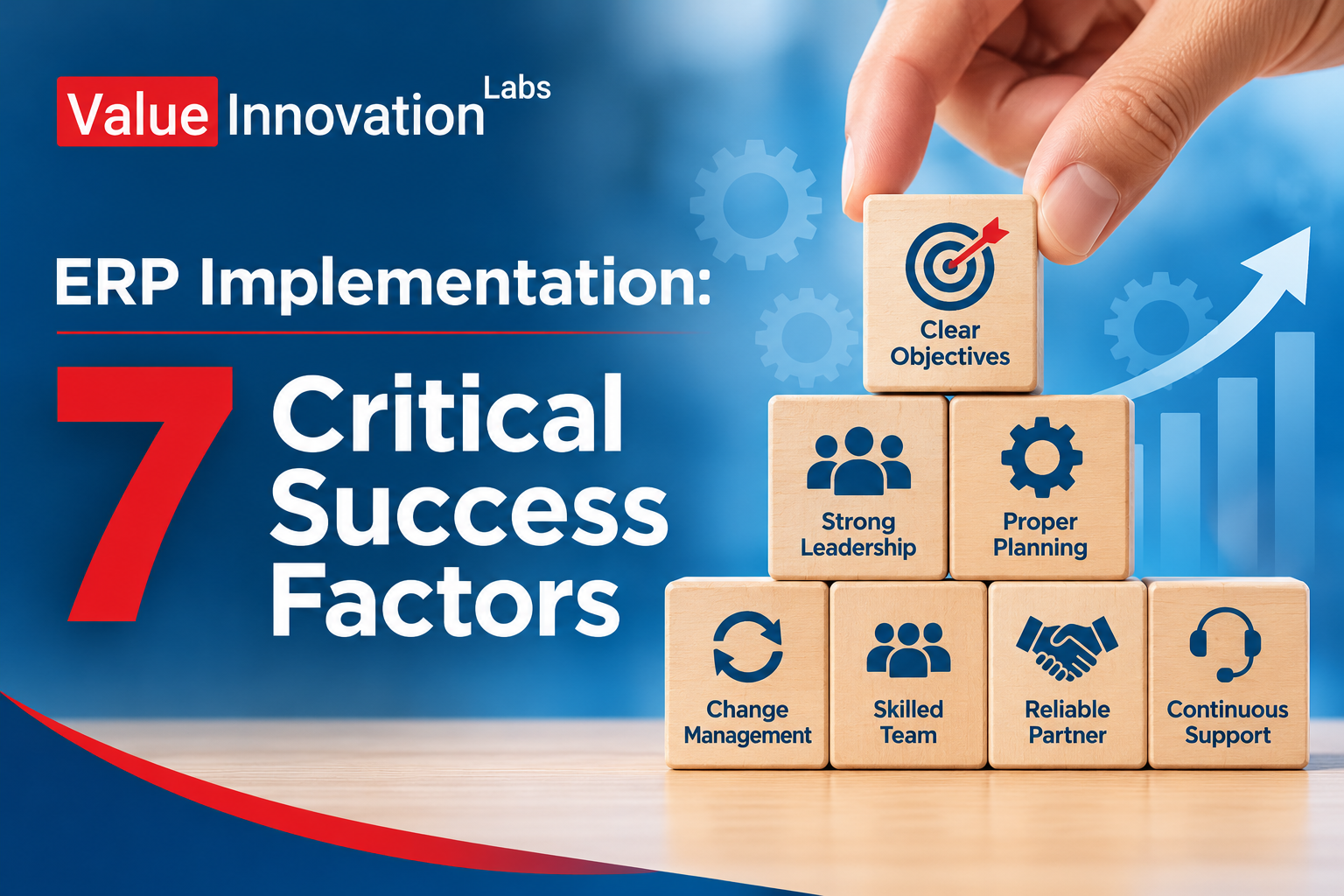
ERP Implementation: 7 Critical Success Factors
ERP Implementation: 7 Critical Success Factors
Few business projects carry as much promise, and as much risk, as an ERP rollout. Done well, it connects finance, inventory, sales, and operations into one reliable system. Done badly, it brings delays, budget overruns, and a frustrated team that quietly returns to spreadsheets.
The difference rarely comes down to the software itself. It comes down to how the project is run. In this guide, you’ll learn the seven critical success factors for ERP implementation, why projects fail, and how to put these factors to work in your own business.
What Is ERP Implementation?
Quick answer: ERP implementation is the process of planning, configuring, migrating data to, testing, and launching an ERP system so that it supports your business processes and your teams actually use it.
It is more than installing software. It includes mapping your processes, cleaning your data, setting up the system, training people, and supporting them after go-live. Think of it as a business change project that happens to involve technology.
Why Do ERP Projects Fail?
Understanding failure makes success easier to plan for. Most struggling projects share a few causes.
- Unclear goals. Nobody agreed on what the project should achieve.
- Weak leadership support. Decisions stall and priorities clash.
- Poor data. Old, duplicate, or incomplete records are moved into the new system.
- Too much customization. The system becomes complex, slow, and hard to upgrade.
- Low user adoption. Staff weren’t involved or trained, so they avoid the system.
Each of the seven success factors below answers one or more of these problems.
The 7 Critical Success Factors for ERP Implementation
1. Clear Business Goals and Scope
Before choosing or configuring anything, decide what you want the ERP to improve. Examples include faster month-end closing, accurate inventory, or better order tracking. Turn these into measurable targets.
Then define the scope. List which departments, locations, and processes are included in phase one. A clear scope protects against the “just one more feature” trap that delays many projects.
2. Strong Leadership and Executive Sponsorship
ERP projects cut across departments, so conflicts are inevitable. A senior sponsor who attends key meetings, settles disputes, and keeps the project visible makes a real difference.
Leadership support also sends a message to staff: this change matters, and everyone is expected to take part.
3. The Right Project Team
Build a team that blends business knowledge and technical skill. Include a project manager, a representative from each department, an IT lead, and an experienced implementation partner.
Give the department representatives enough time to participate. If they are expected to do the project on top of a full workload, it will suffer.
4. Process Mapping Before Configuration
Write down how work happens today and how it should happen in the future. Remove unnecessary steps before they get built into the system.
Many companies try to copy old habits into the new ERP. A better approach is to use the project to simplify. Automating a messy process only makes the mess faster.
5. Clean and Well-Planned Data Migration
Data migration is often the longest and most underestimated part of an ERP project. Start early.
- Remove duplicate customers, suppliers, and items
- Archive outdated records you no longer need
- Standardize names, units, and formats
- Assign an owner for each data area
- Run test migrations and check the results with the people who know the data
Good data is the foundation of every report and automation that follows.
6. Thoughtful Customization and Integration
Every business has unique needs, but heavy customization increases cost, slows upgrades, and creates dependence on a few specialists. Use standard features wherever they fit and customize only where it truly gives a competitive advantage.
Plan integrations early, too. Your ERP may need to connect with e-commerce, CRM, banking, payroll, or logistics tools. Connections that are designed from the start work better than patches added later.
7. Training, Change Management, and Ongoing Support
Even the best system fails if people don’t use it. Explain early why the change is happening and what it means for each role. Provide hands-on training that uses real business scenarios, not only generic demos.
After go-live, keep support close. Appoint “super users” in each department who can answer everyday questions, and set up a simple way to report issues. The first few weeks decide whether habits form around the new system or around the old workarounds.
Quick Checklist of the 7 Factors
| Factor | Key Question to Ask |
|---|---|
| Clear goals and scope | Do we know what success looks like? |
| Executive sponsorship | Who will back and guide the project? |
| Right project team | Do we have time and skills in the team? |
| Process mapping | Have we simplified before configuring? |
| Data migration | Is our data clean and owned? |
| Customization and integration | Are we keeping it as standard as possible? |
| Training and support | Will people be ready and supported? |
A Simple ERP Implementation Timeline
Timelines vary by company size and complexity, but most projects follow similar stages.
Stage 1: Planning and Selection
Define goals, gather requirements, and choose the system and partner. This stage sets the direction for everything else.
Stage 2: Design and Configuration
Map processes, configure the system, and plan integrations. Regular reviews with department teams keep the design realistic.
Stage 3: Data Migration and Testing
Clean data, run trial migrations, and test every key process from end to end. Include real users in testing.
Stage 4: Training and Go-Live
Train staff, prepare a go-live plan, and decide how you will handle issues that appear. Many businesses choose a quieter period for launch.
Stage 5: Support and Improvement
Monitor results, fix problems quickly, and keep refining. ERP success continues well after launch.
Real-World Examples
These are typical scenarios rather than case studies of named companies, but they reflect what many businesses experience.
- A mid-sized manufacturer: The company limited phase one to finance, inventory, and purchasing. With a focused scope, it launched on time and added production planning later.
- A distribution business: It spent extra weeks cleaning item and customer data before migration. Post-launch reports were accurate from day one, which built trust in the system.
- A growing retailer: Staff in each store were trained using their own daily tasks. Adoption was smoother, and support requests dropped quickly after the first month.
Common Mistakes to Avoid
- Rushing selection. Choosing a system without involving the people who will use it often leads to poor fit.
- Underestimating time and budget. Allow room for testing, training, and unexpected issues.
- Treating go-live as the finish line. Support and improvement are ongoing.
- Ignoring security. Set role-based access and protect sensitive data from the start.
- Skipping measurement. Track results such as closing time, order accuracy, and user adoption.
Frequently Asked Questions
What are the critical success factors for ERP implementation?
The key factors are clear goals and scope, strong executive sponsorship, the right project team, process mapping, clean data migration, careful customization and integration, and solid training and support.
How long does an ERP implementation take?
It depends on size and complexity. A focused rollout can take a few months, while a multi-department or multi-location project may take a year or more when done in phases.
What is the biggest reason ERP implementations fail?
The most common reasons are unclear goals, weak leadership support, poor data quality, and low user adoption, all of which can be reduced with careful planning and training.
Conclusion
A successful ERP implementation depends less on the software and more on clear goals, committed leaders, clean data, and well-prepared people. To keep learning, read our guides on how to start a career in ERP implementation and the top project management skills employers look for, and for background reading, see this overview of enterprise resource planning on Wikipedia.
ERP Implementation: 7 Critical Success Factors Few business projects carry as much promise, and as much risk, as an ERP…